For MSPs & IT teams on Microsoft 365
Every client tenant.
Under the X-ray.
Find the licences you pay for and nobody uses, the security gaps worth fixing first, and who can wipe which devices — in every Microsoft tenant you manage. Read-only, isolated per client, refreshed for you. Built by an admin, for admins.
7 days · one tenant · no credit card
● 25 tenants syncing fresh data every day
Inside GraphPaaS
The X-ray, from the inside
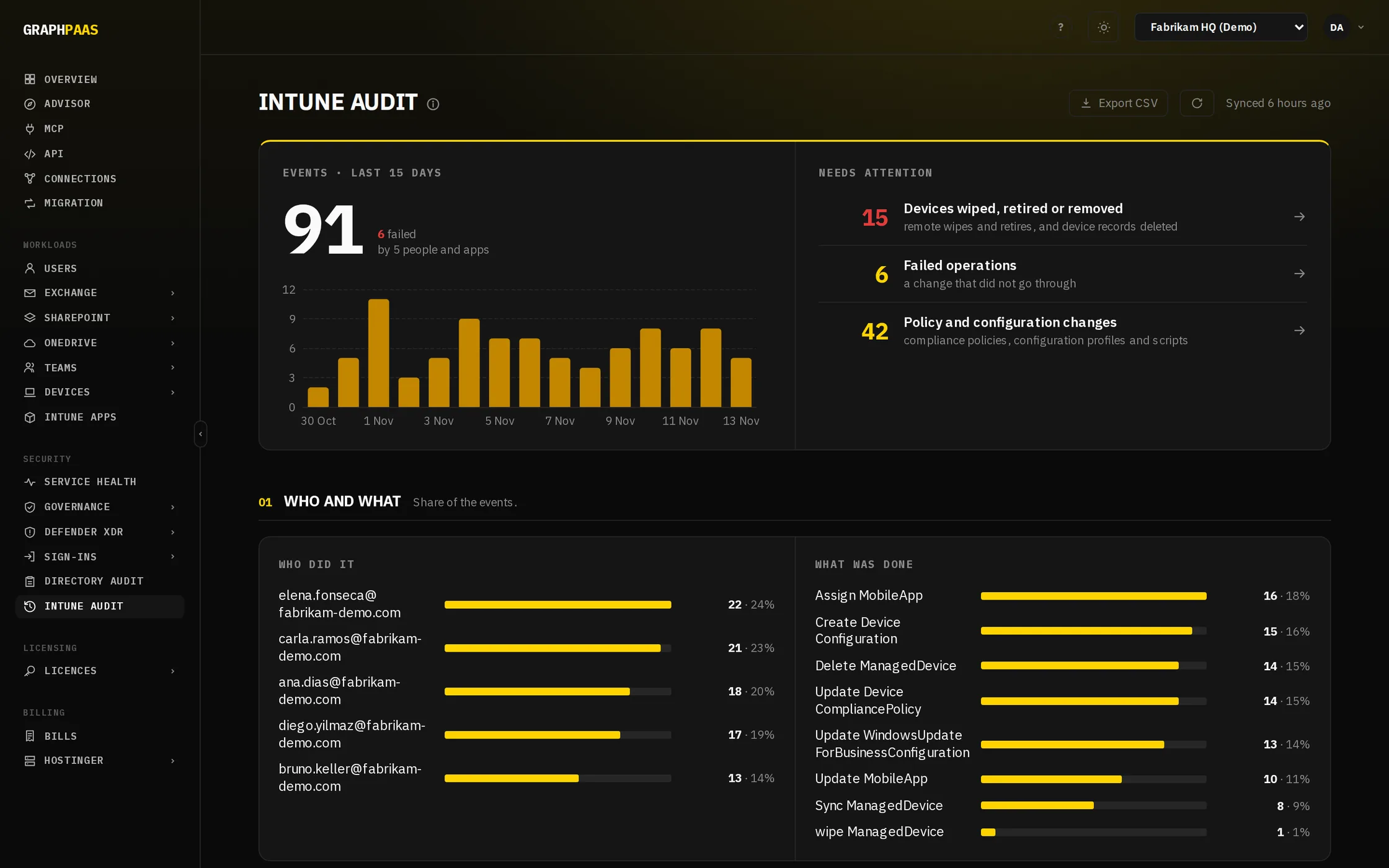
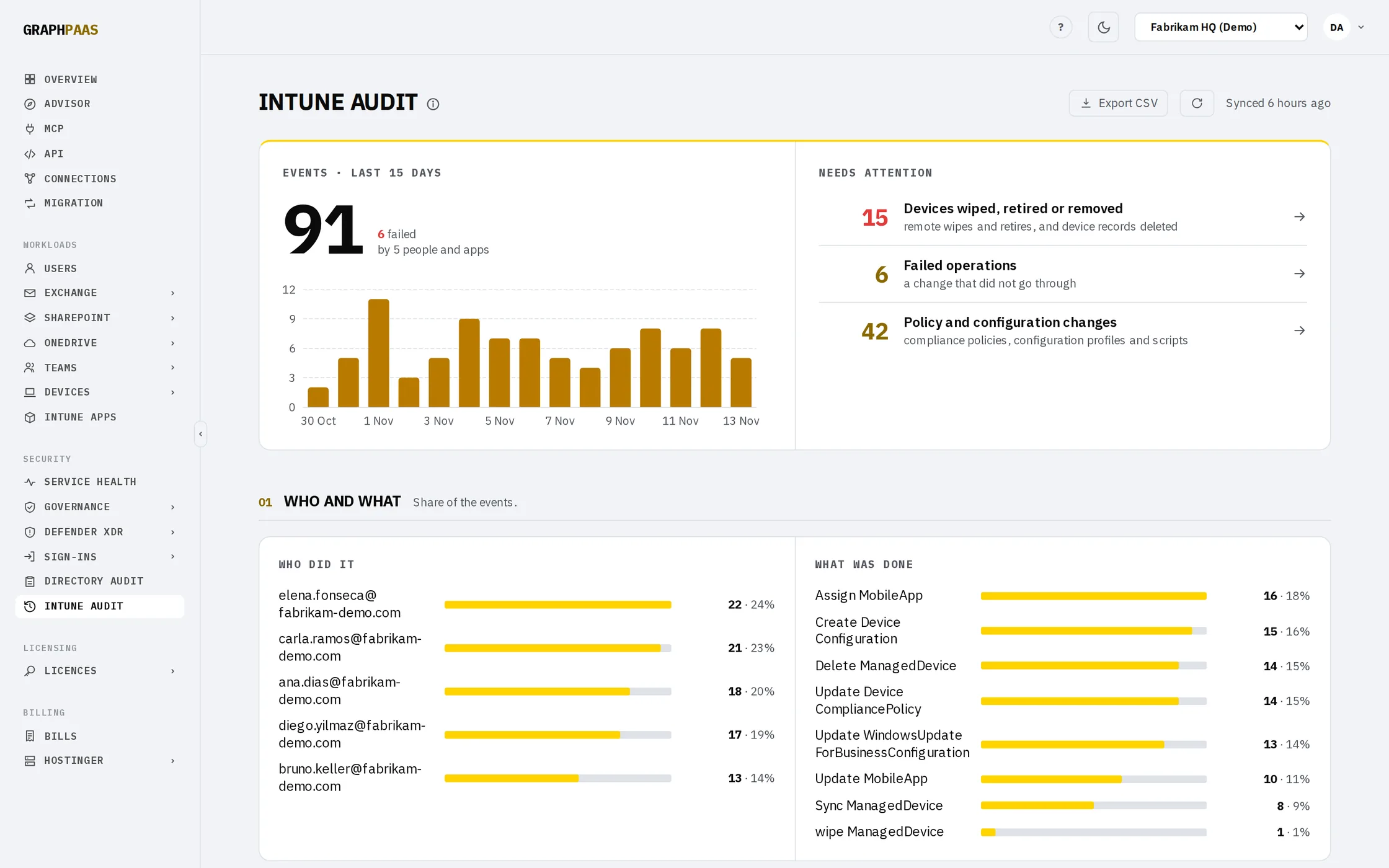
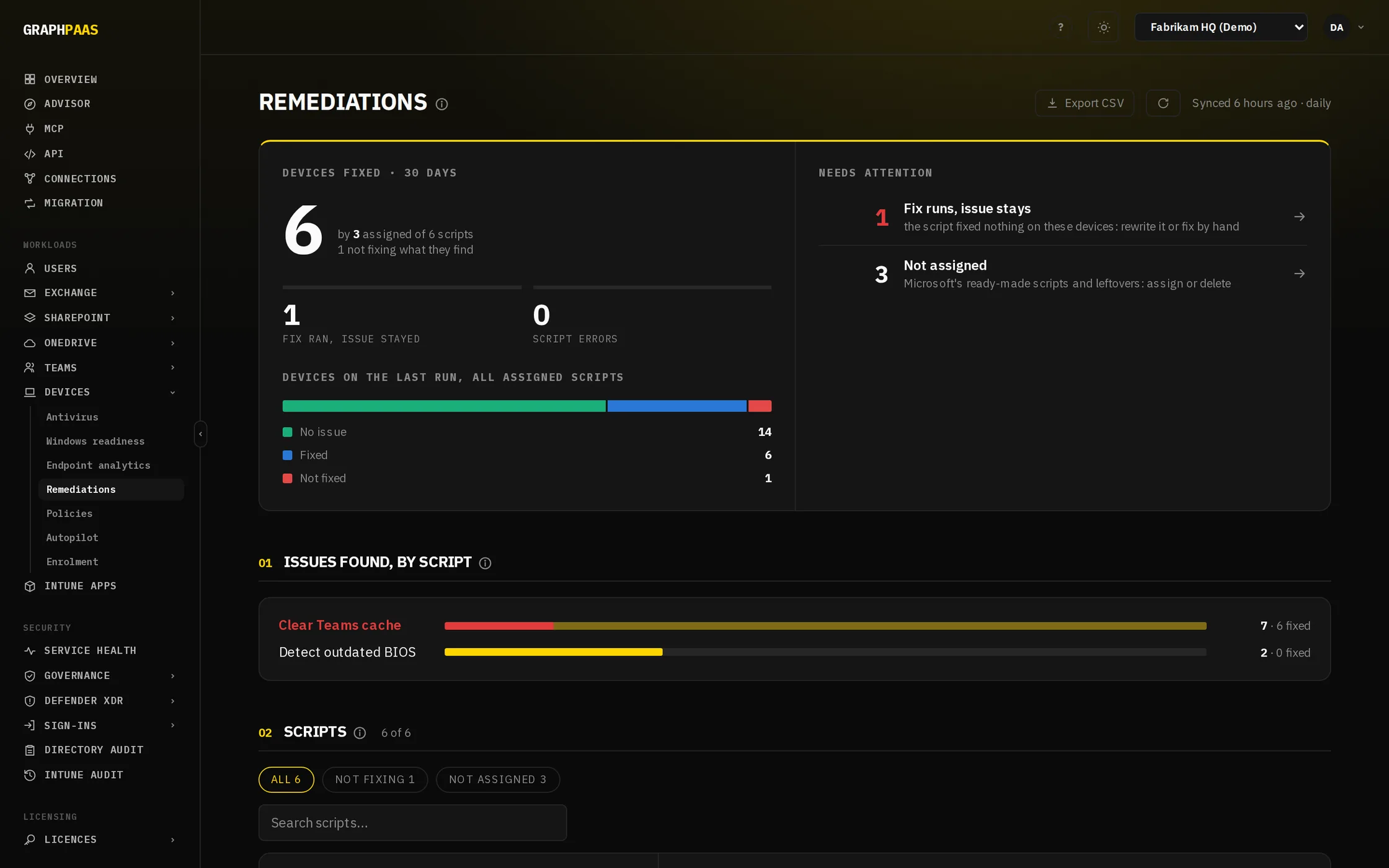
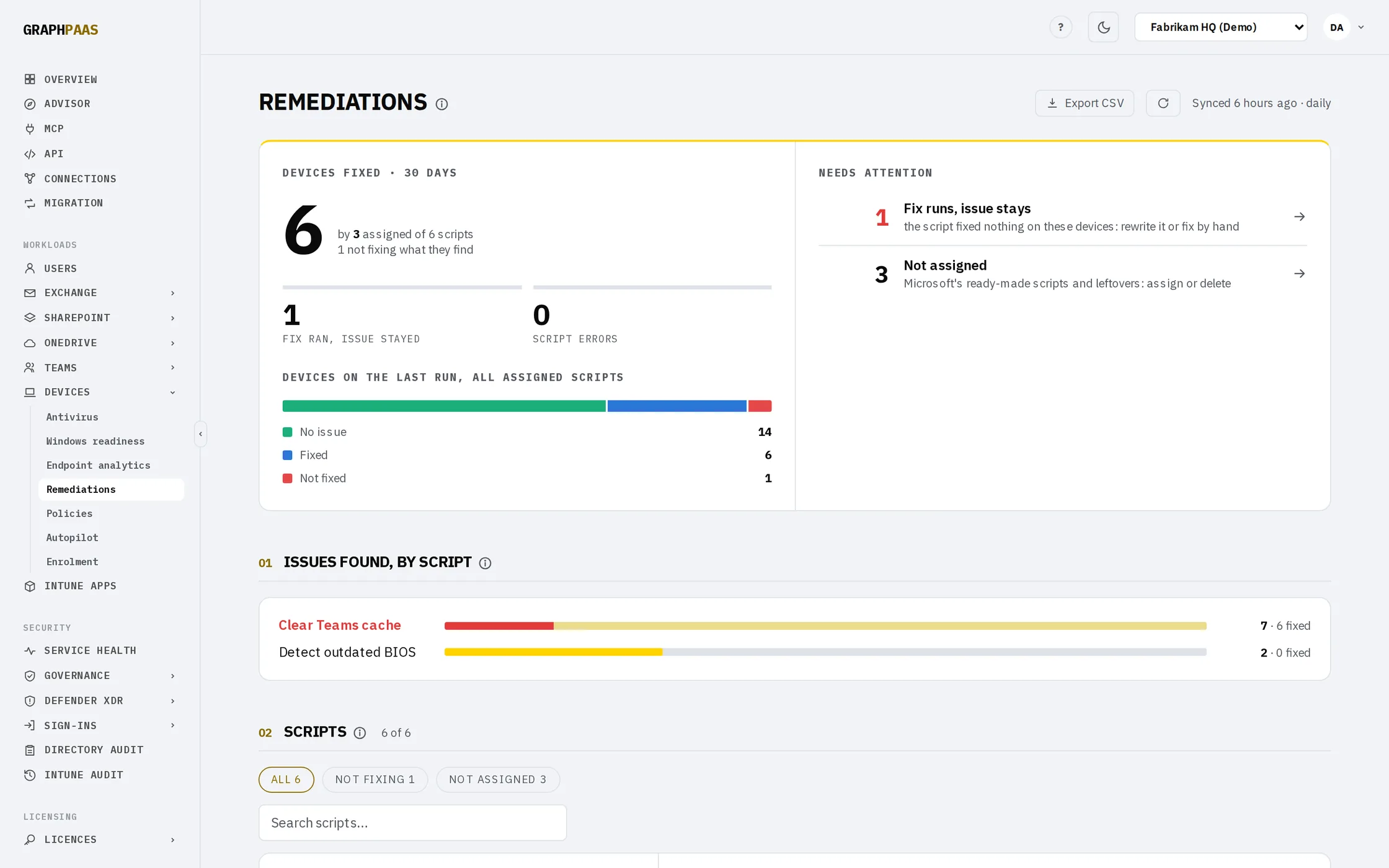
Real screens from our demo tenant: the pages your team opens on day one.
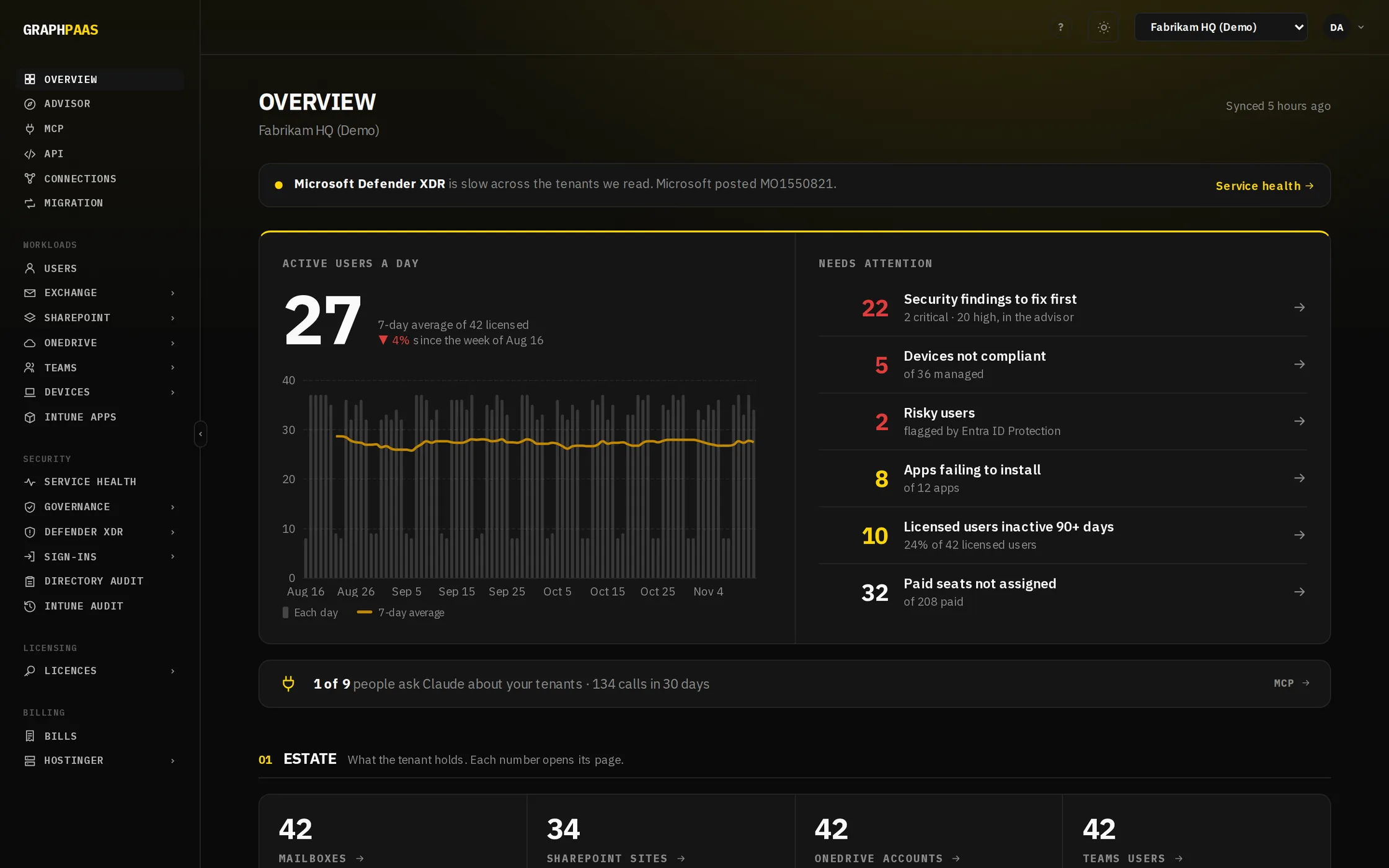
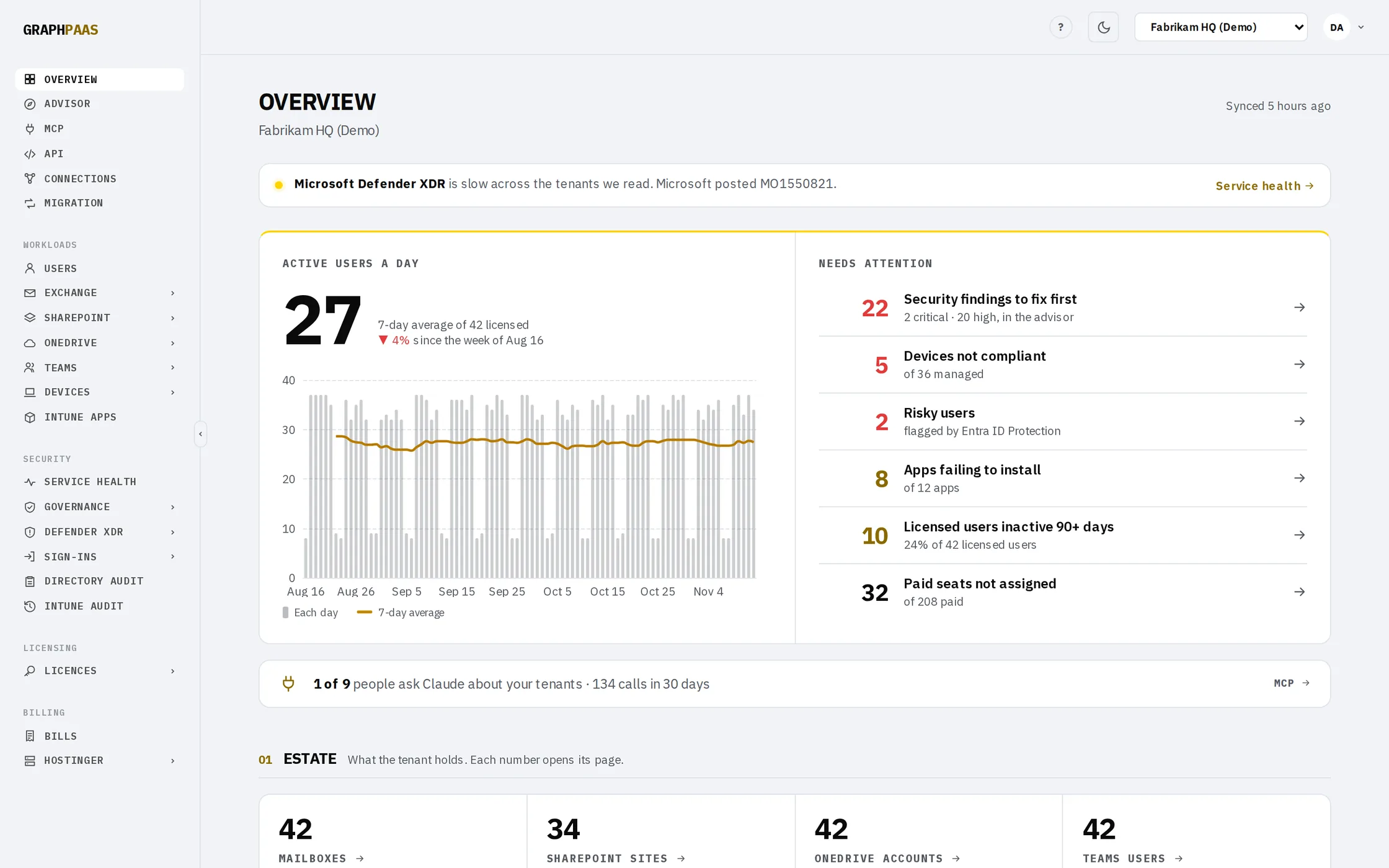
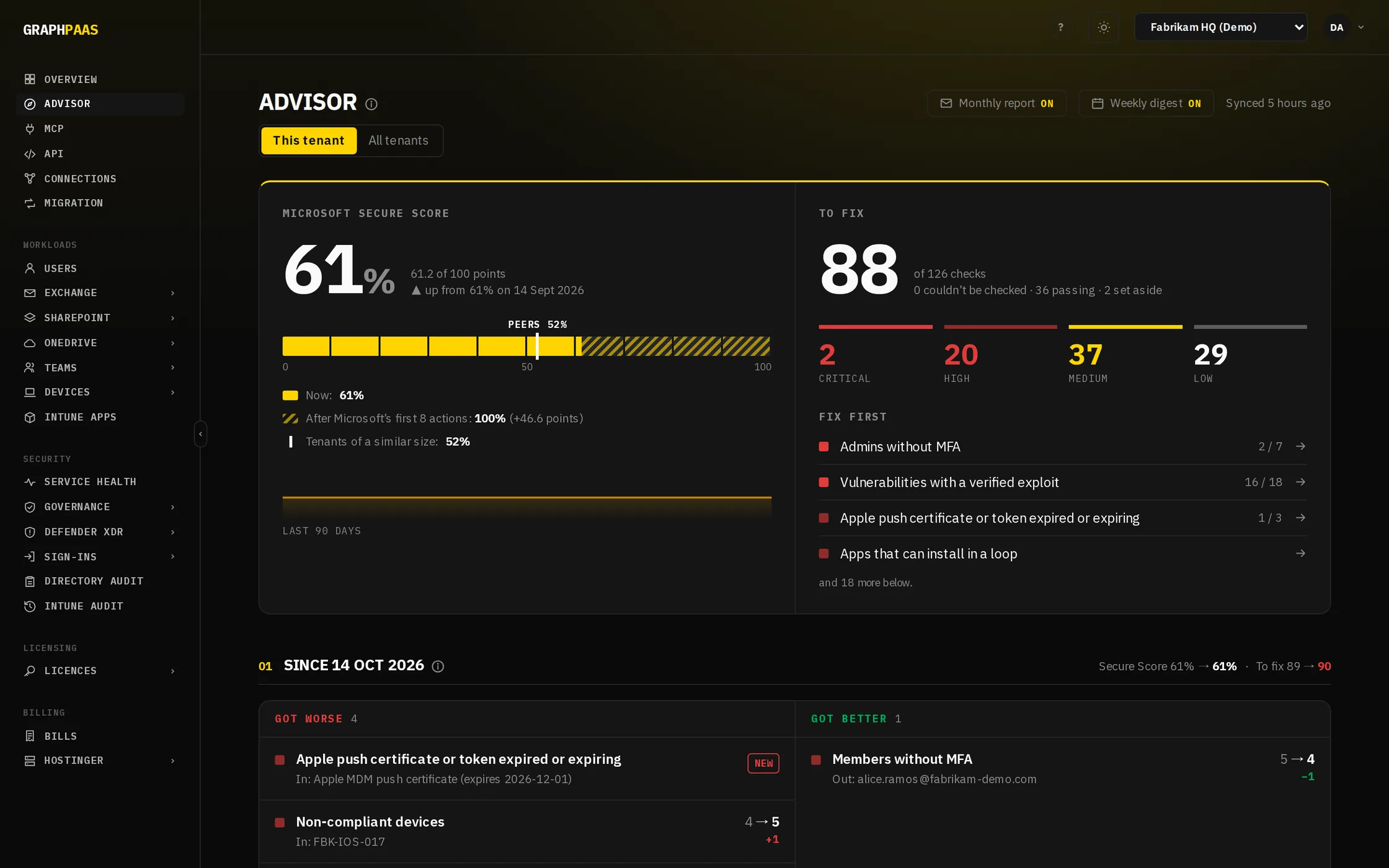
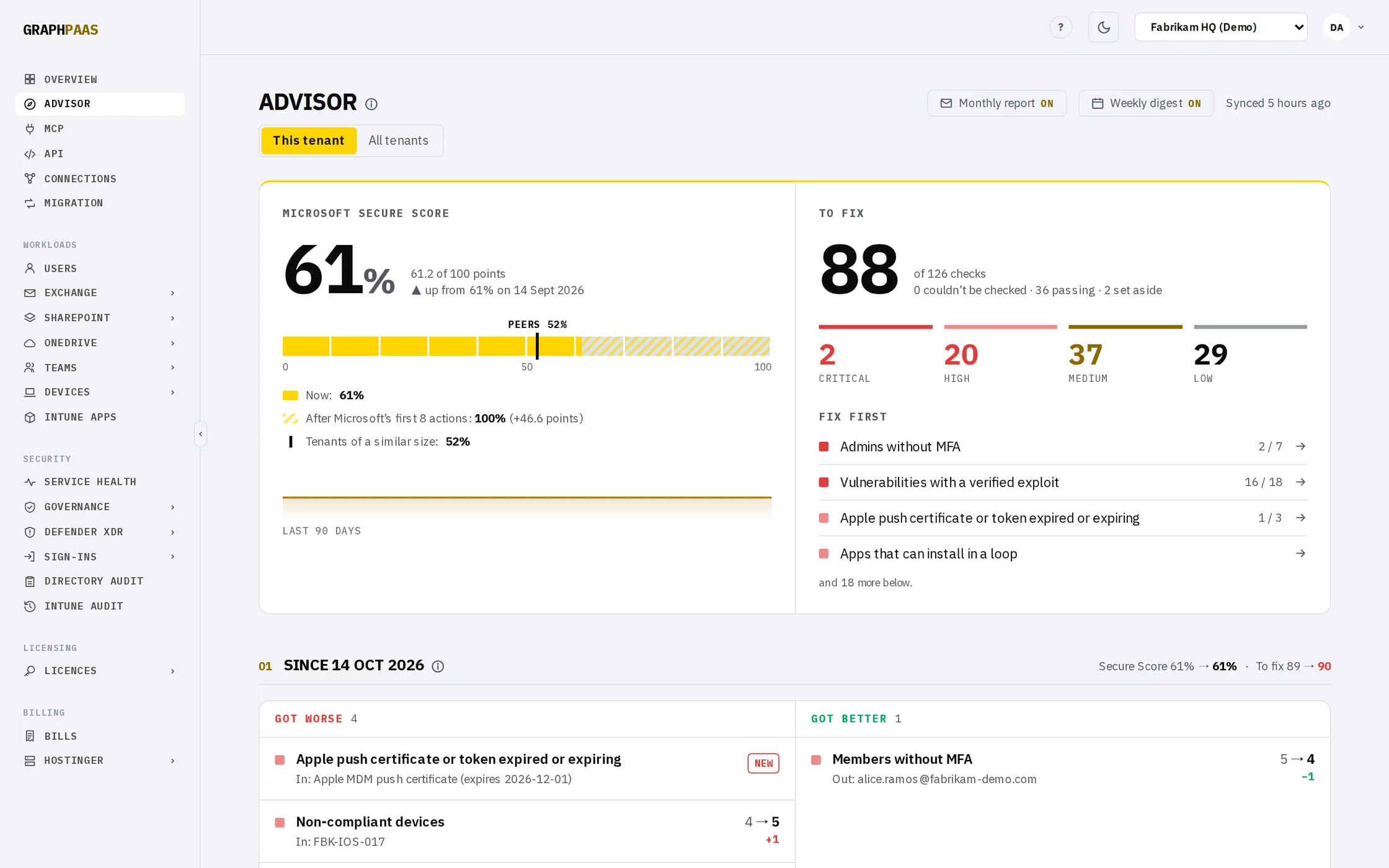
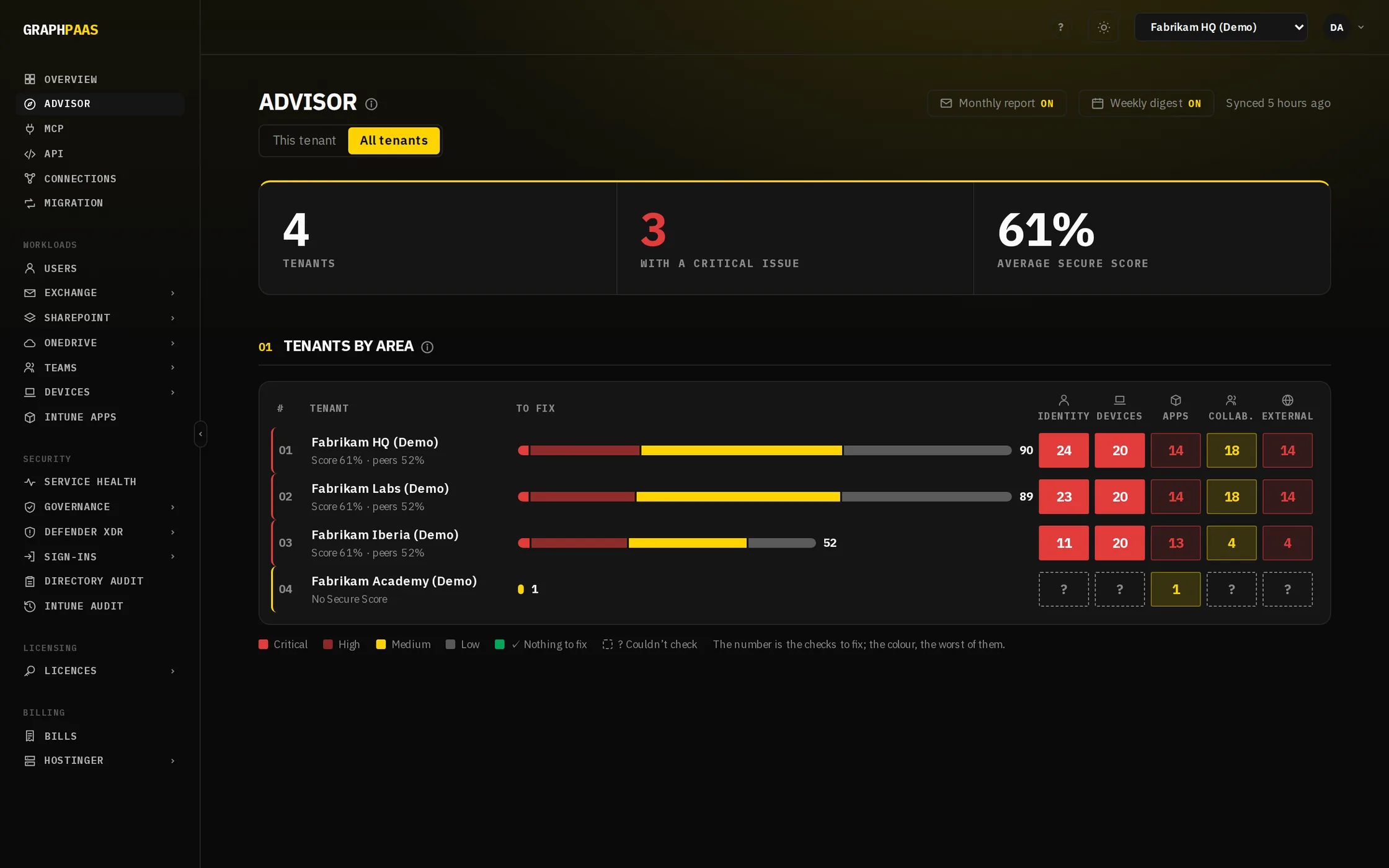
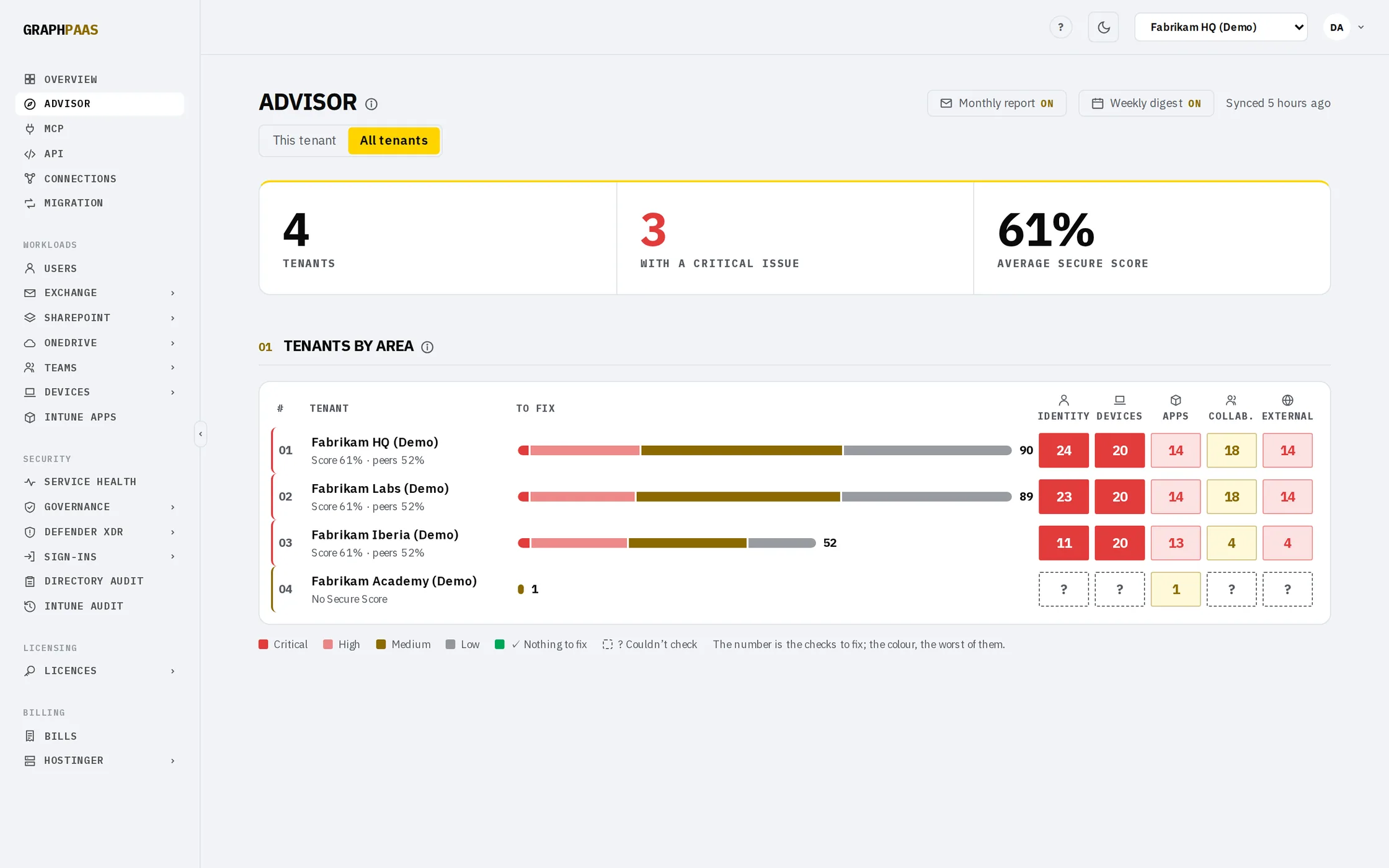
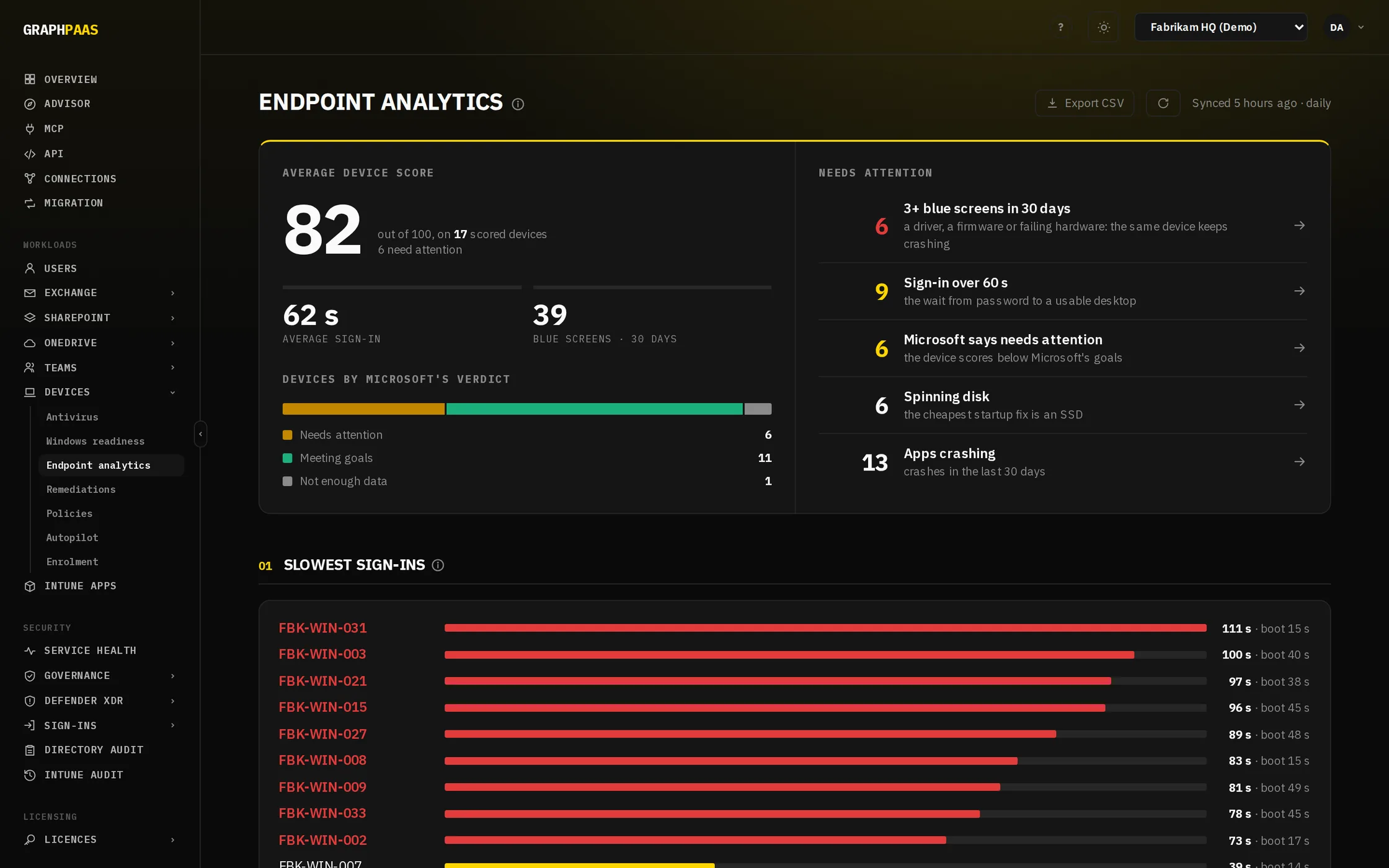
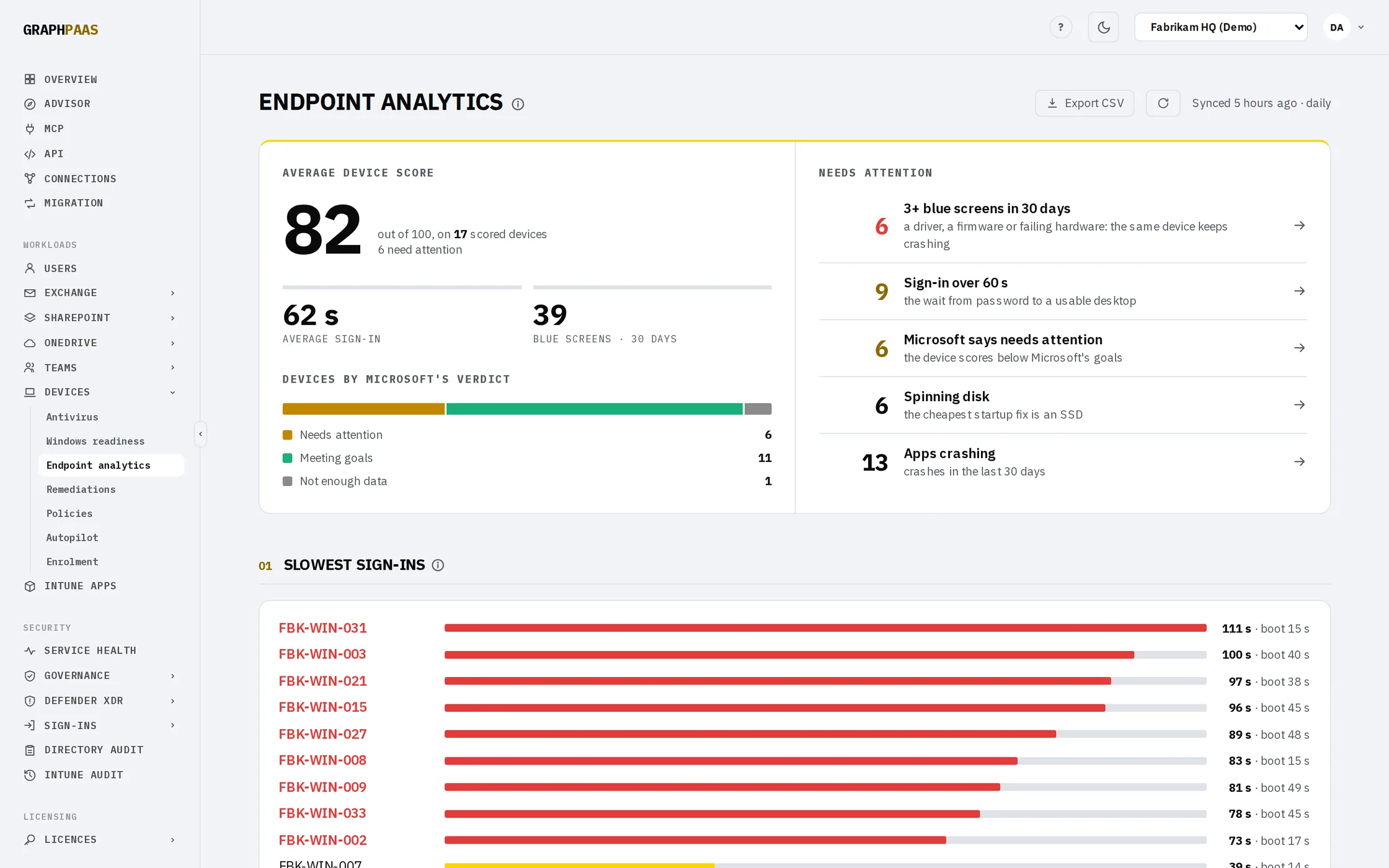
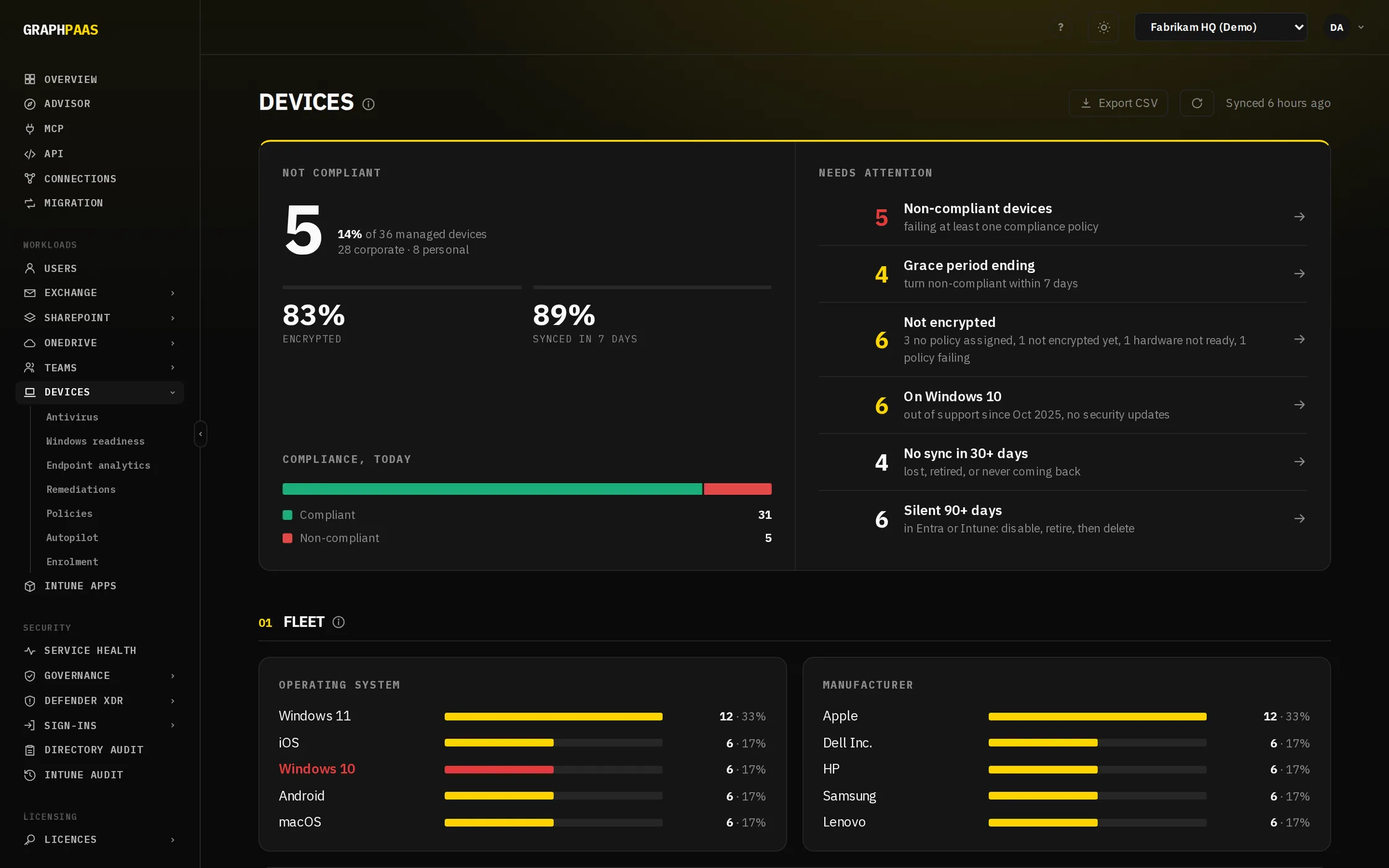
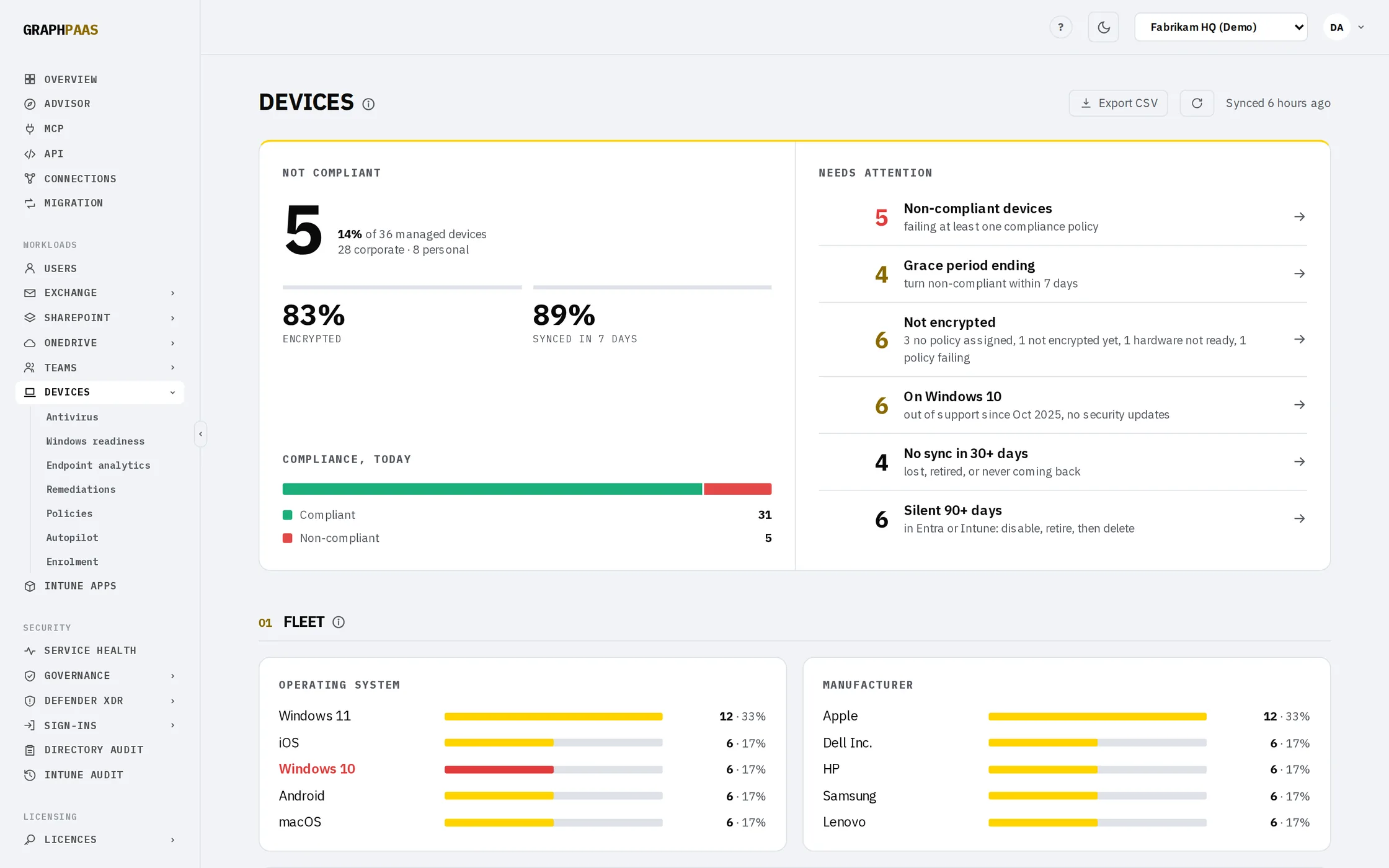
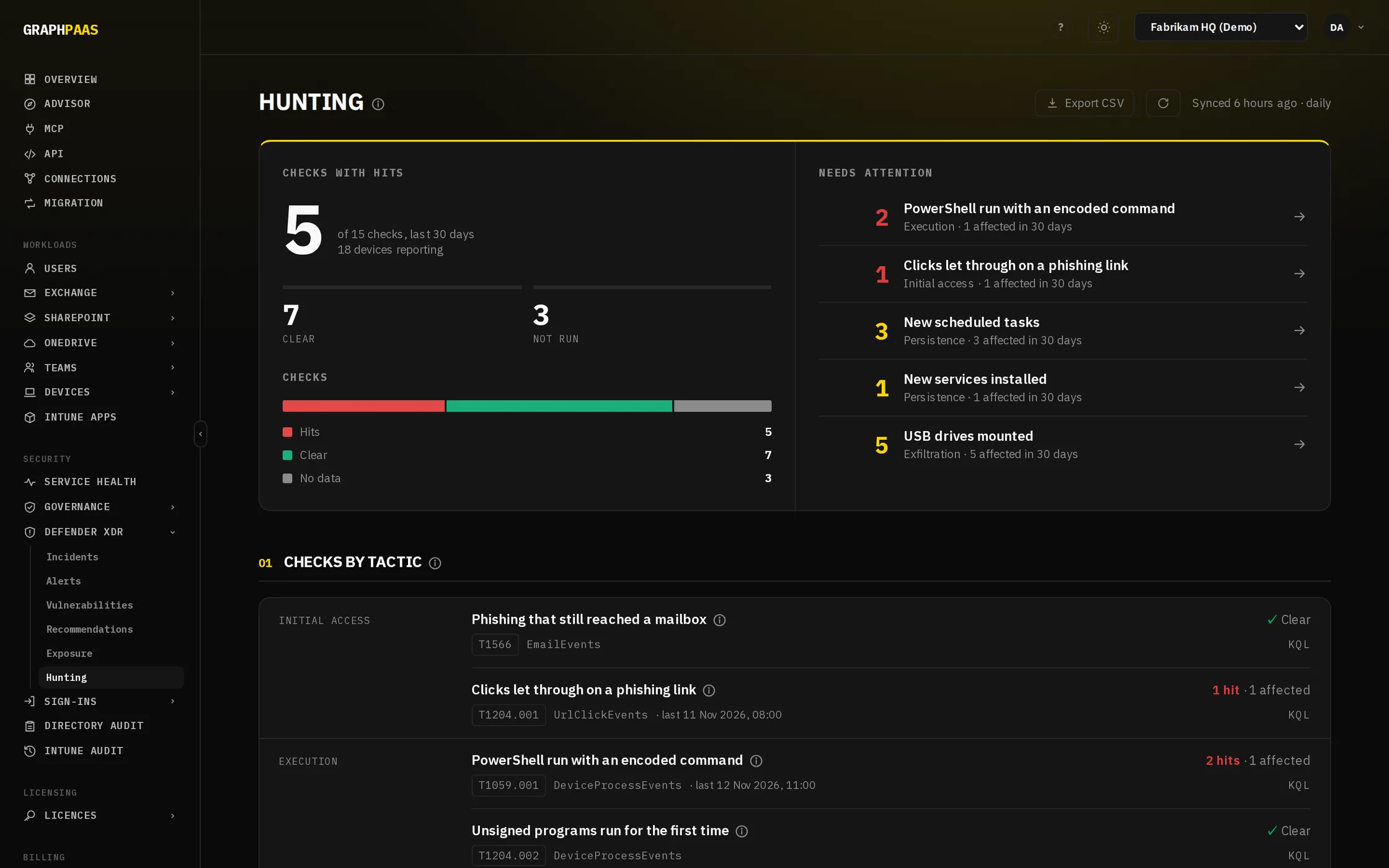
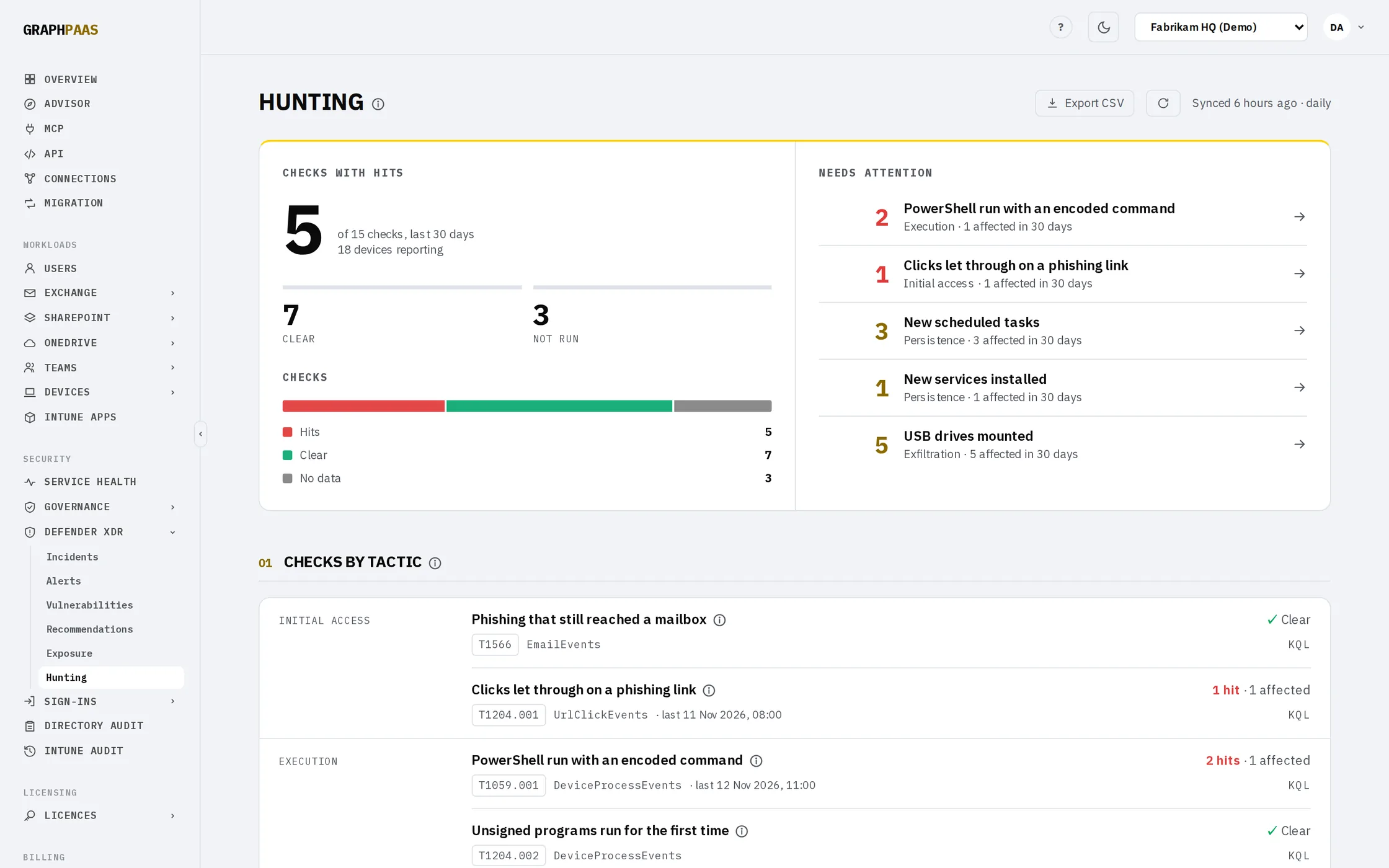
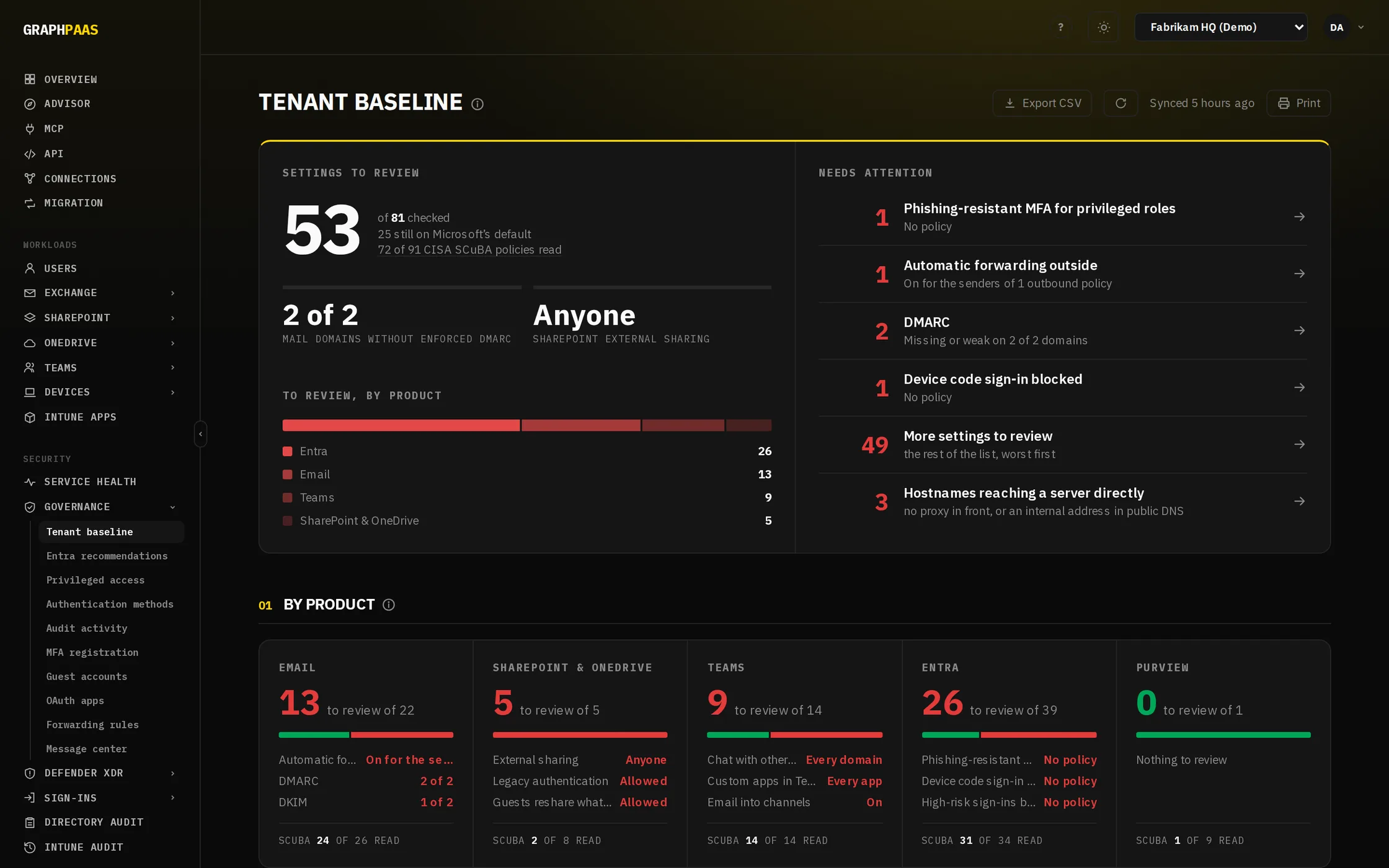
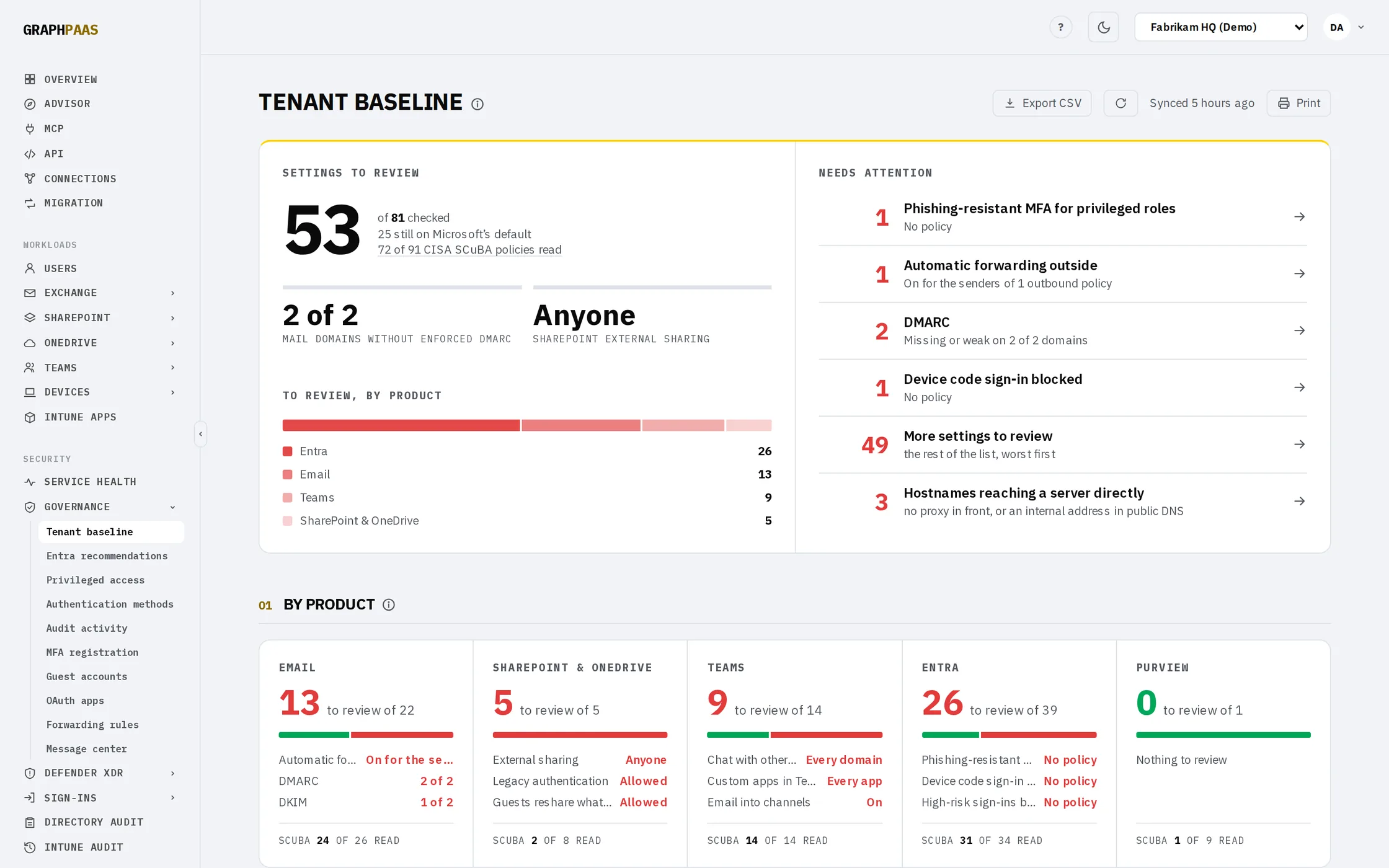
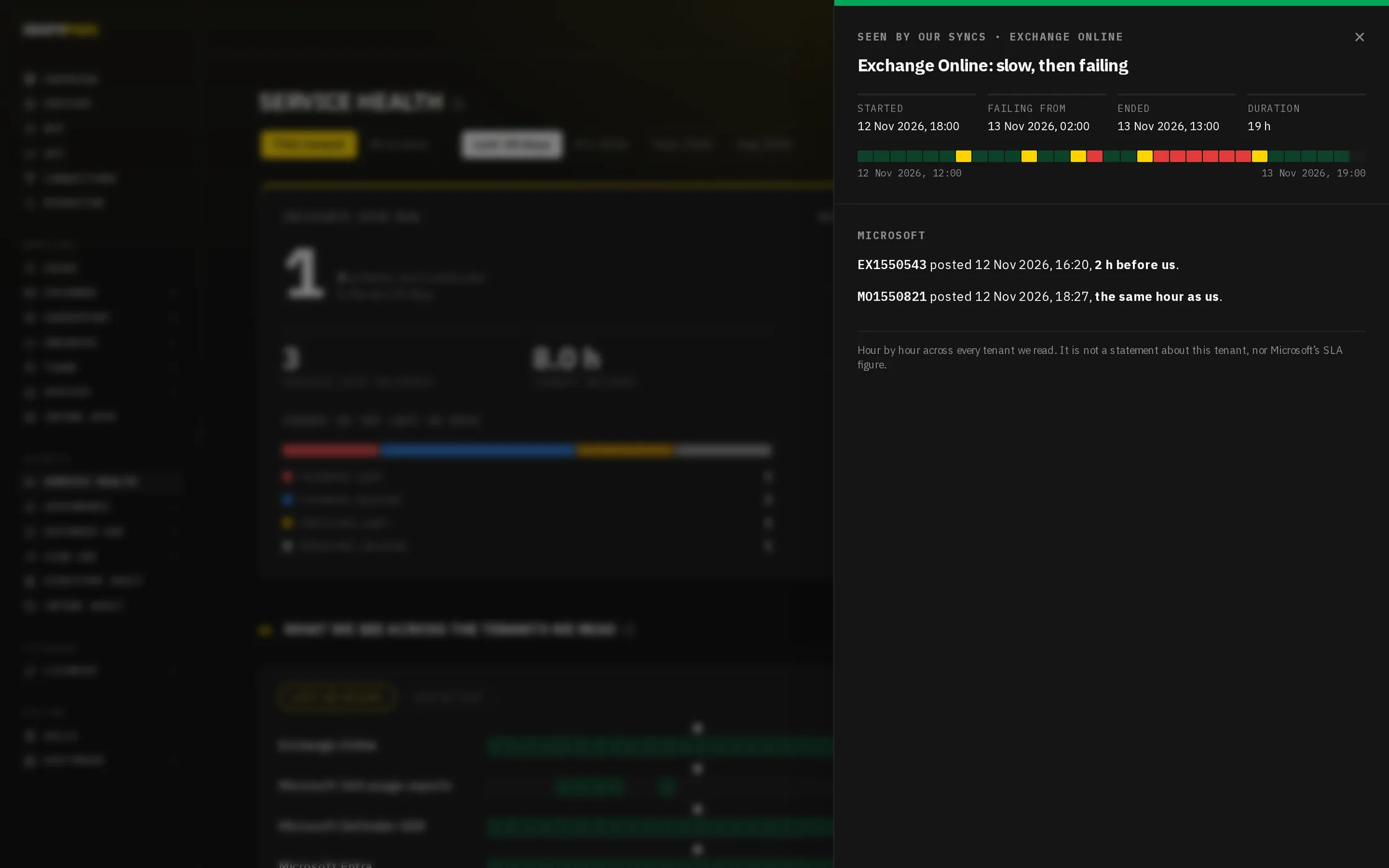
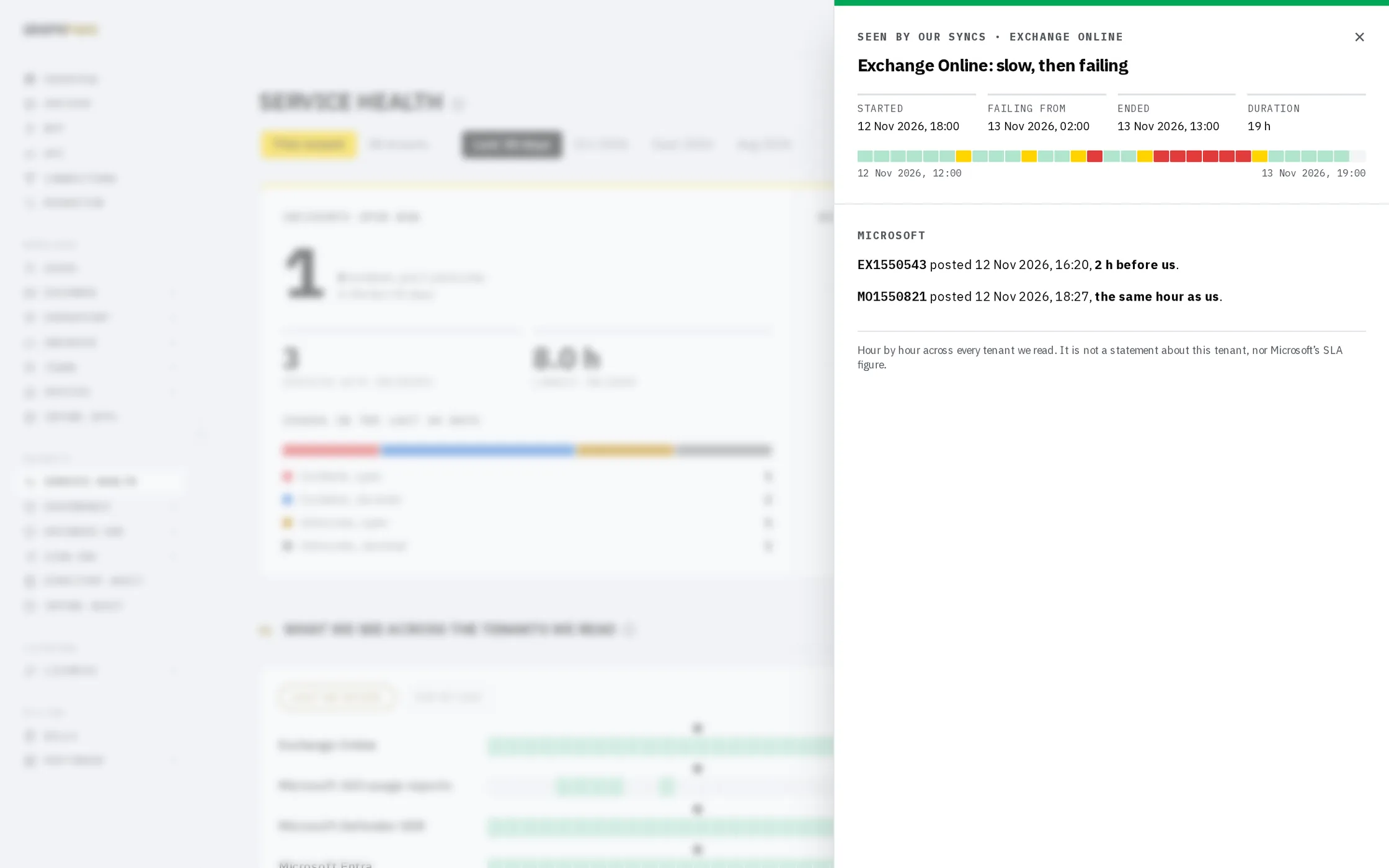
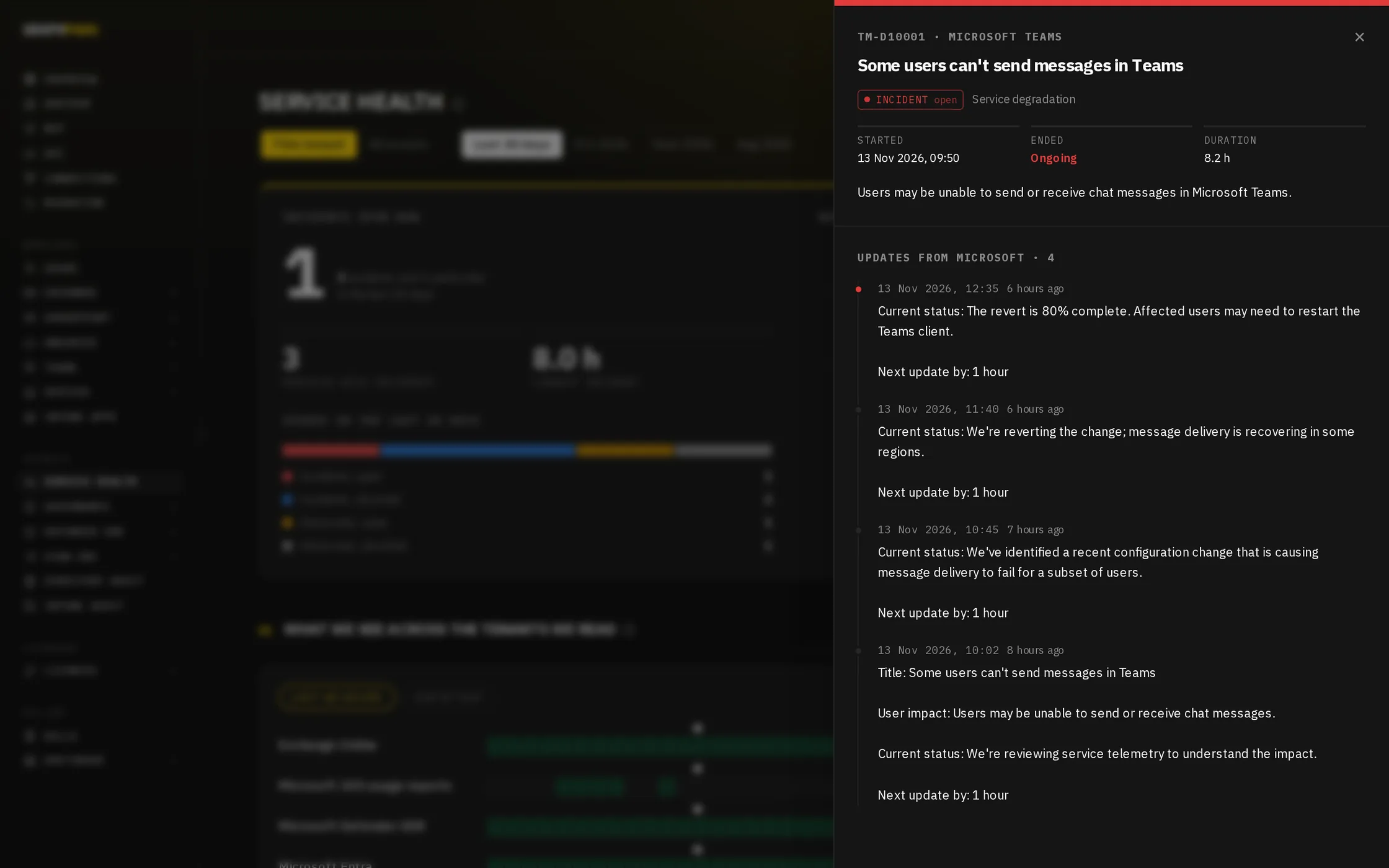
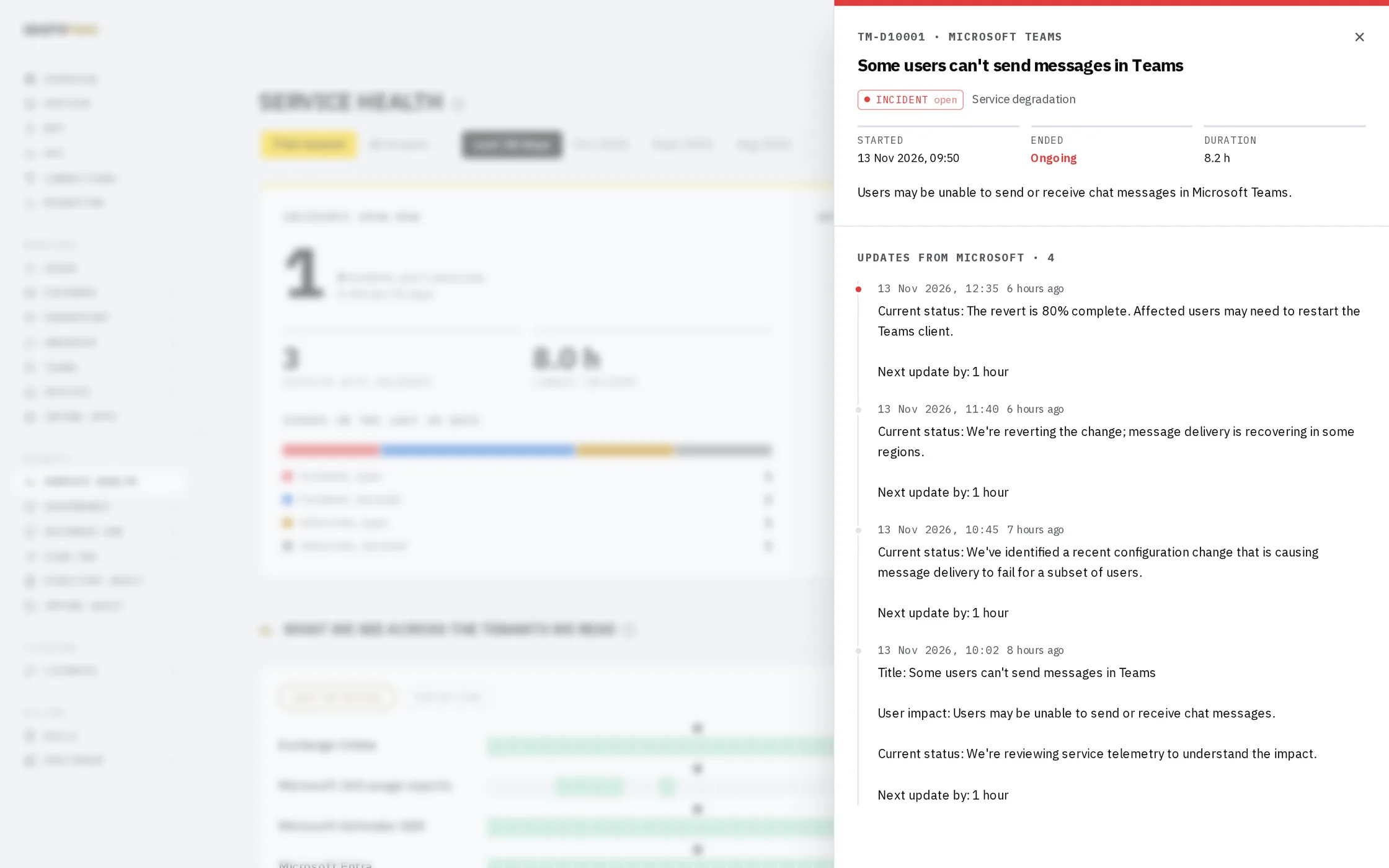
01 · Overview
One tenant at a glance
Licences, security, devices and what changed, on the screen you land on.
Why GraphPaaS
Money back. Risk down.
Licences nobody uses
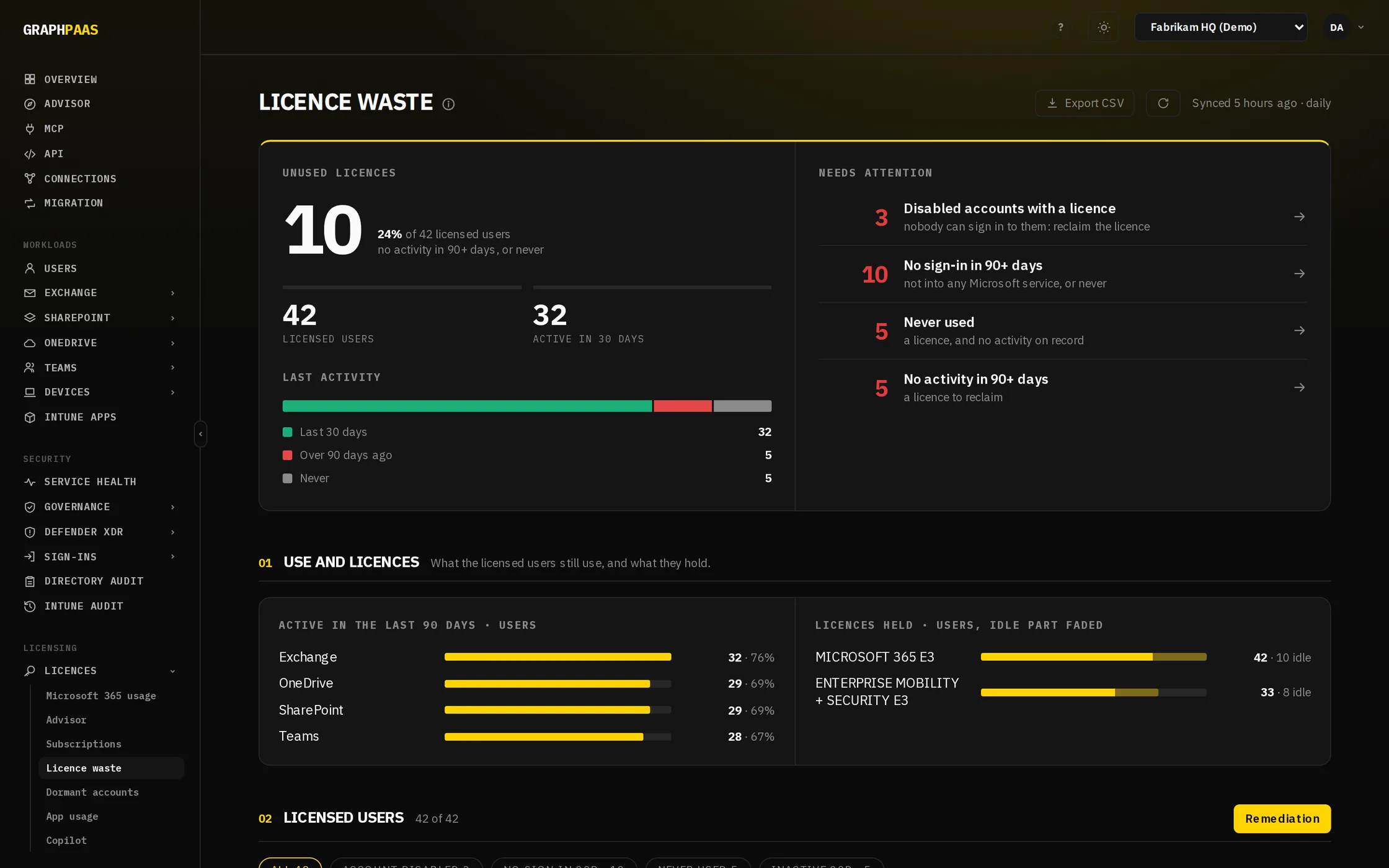
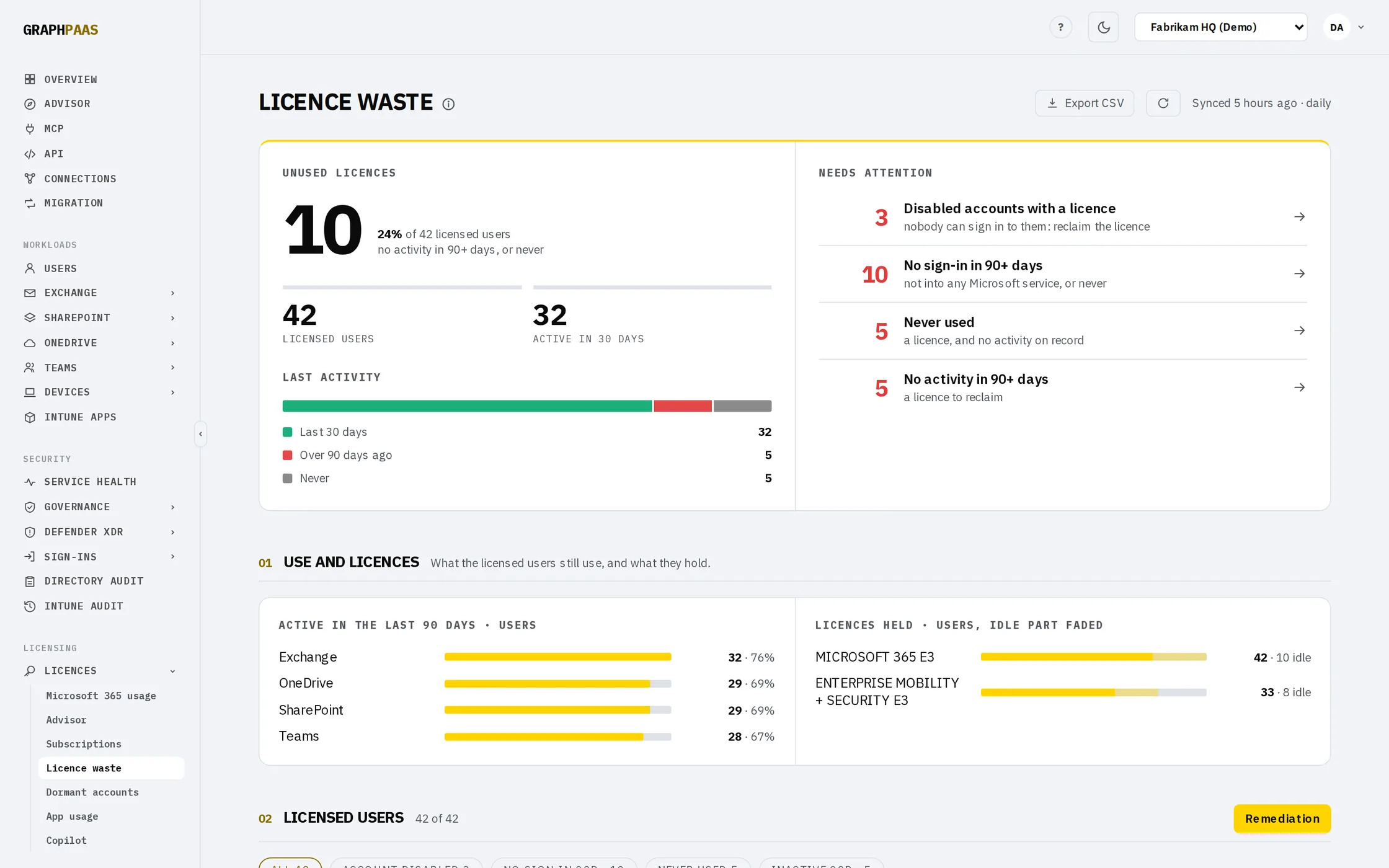
Paid seats on disabled accounts and on people with no sign-in or activity for 90 days, down to the person. Hand your admin a dry-run PowerShell script that takes them back.
How the audit worksWhat to fix, worst first
Our checks next to Microsoft Secure Score's actions, ranked by severity, for one tenant or every tenant side by side. Accept a risk with a reason, or snooze it to a date.
Who can wipe your devices
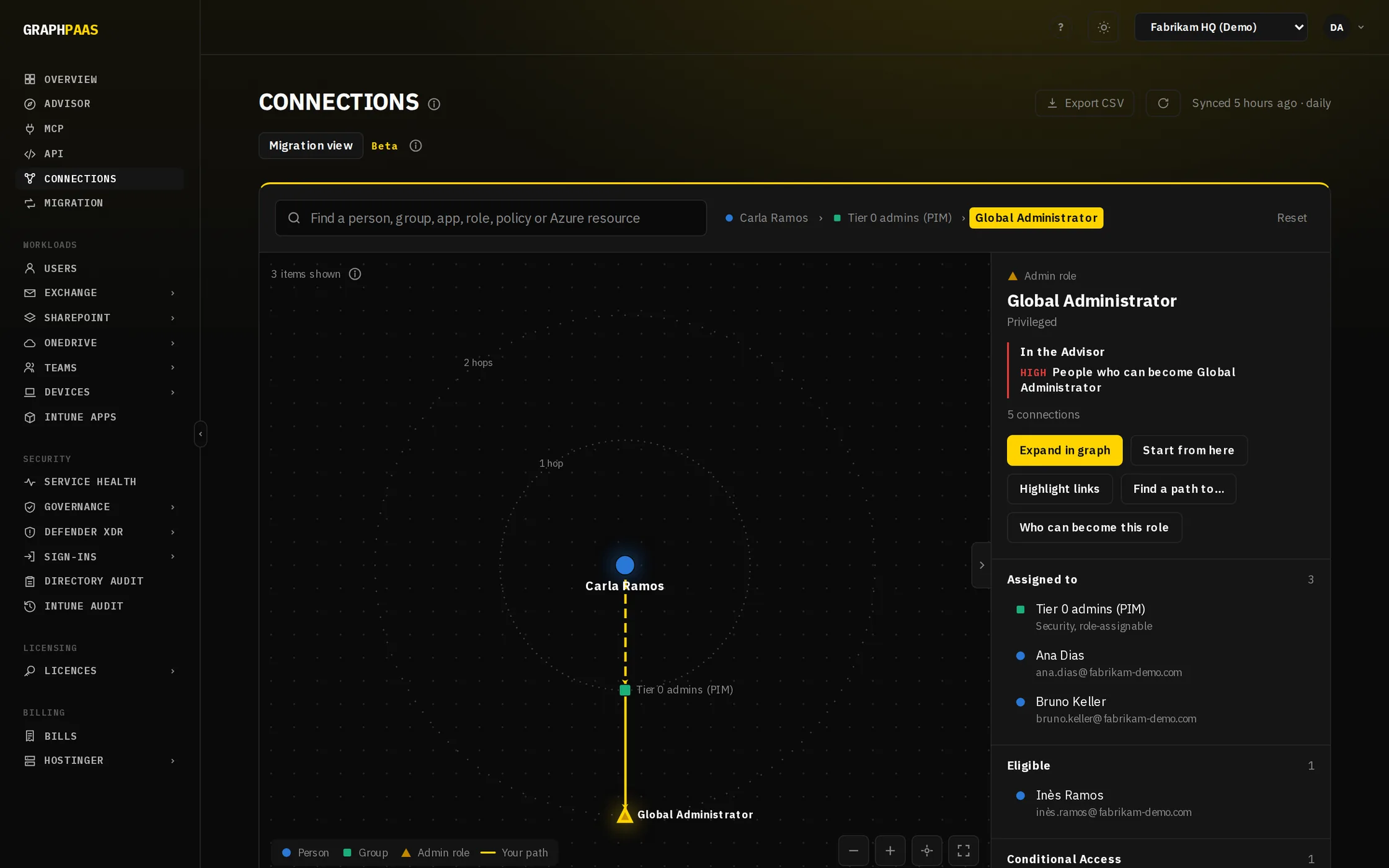
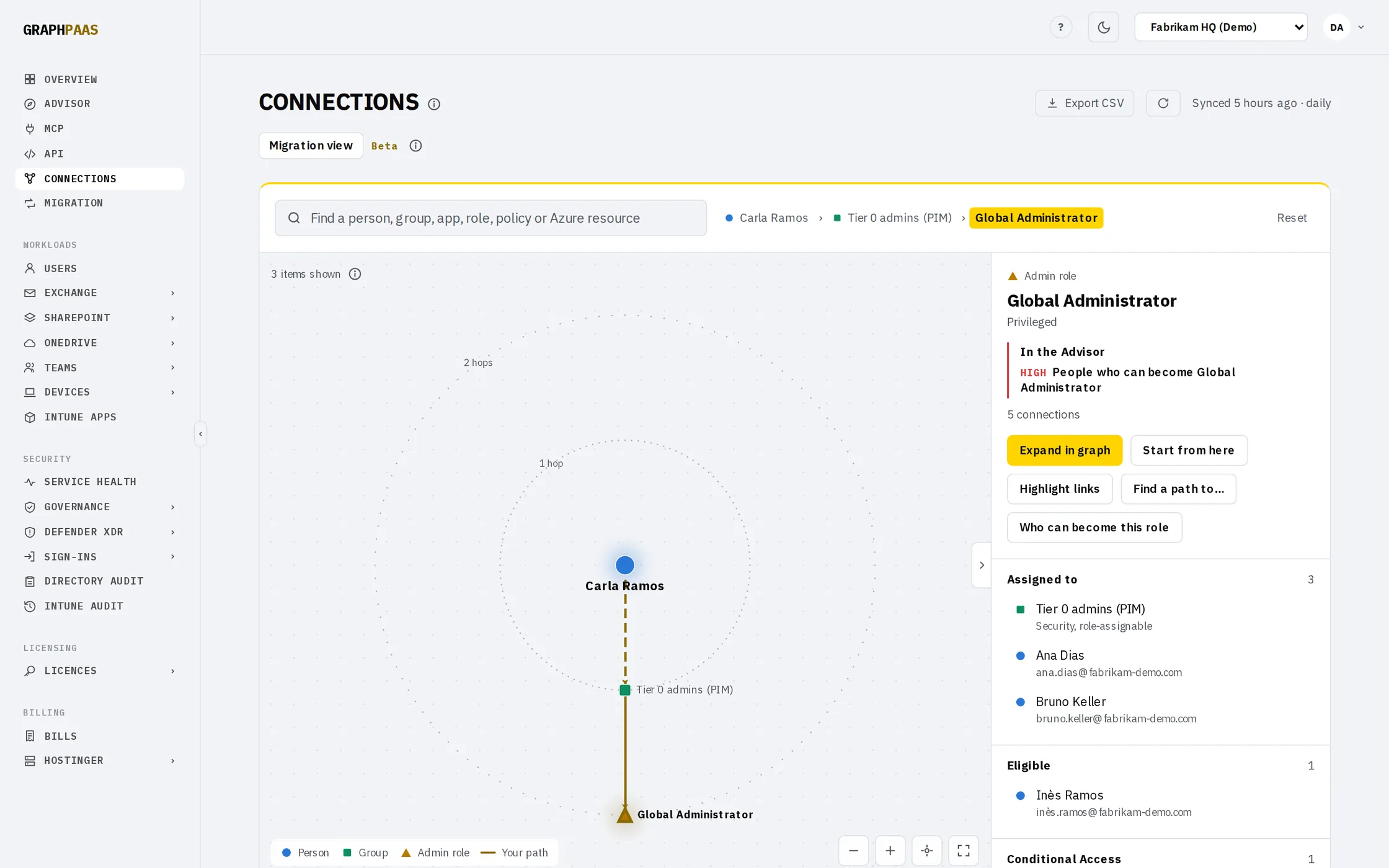
The connections graph shows what links to what: who reaches Global Admin, who can wipe which devices, which guests a partner brought in.
Try it on a demo tenantA report clients read
Every month, an email with the counts and a password-protected PDF per tenant with the findings. Ready to forward as your monthly review.
Ask Claude or Copilot about your tenants
Connect GraphPaaS to Claude or Microsoft 365 Copilot and ask in plain language: who has a licence and never signs in, which devices fail compliance, what changed since last week.
How it worksRead-only. Nothing to break.
Read-only Microsoft Graph permissions, granted by admin consent. No agents, nothing to install, EU-only storage, every tenant isolated end to end.
How it's builtWhat you get
Every domain, every tenant, in one place
SKU utilisation, wasted seats and per-user licence waste — who's paying for access they never use.
Mailbox usage, active users, storage and quota — with per-user drill-down.
Sites, storage, page views and sharing activity across the tenant.
Per-user storage, file activity and dormant drives surfaced.
Adoption, meetings, calls and ownerless teams — down to the user.
MFA, conditional access, risky users, expiring secrets and group health.
Compliance rate, OS split, stale and non-compliant devices.
Intune app install health, failures by publisher and per-device status.
Azure spend trend, cost by service, subscription → resource-group drill-down, plus M365 invoices.
Sign-ins, directory changes and Intune audit — actors, timeline and success rate.
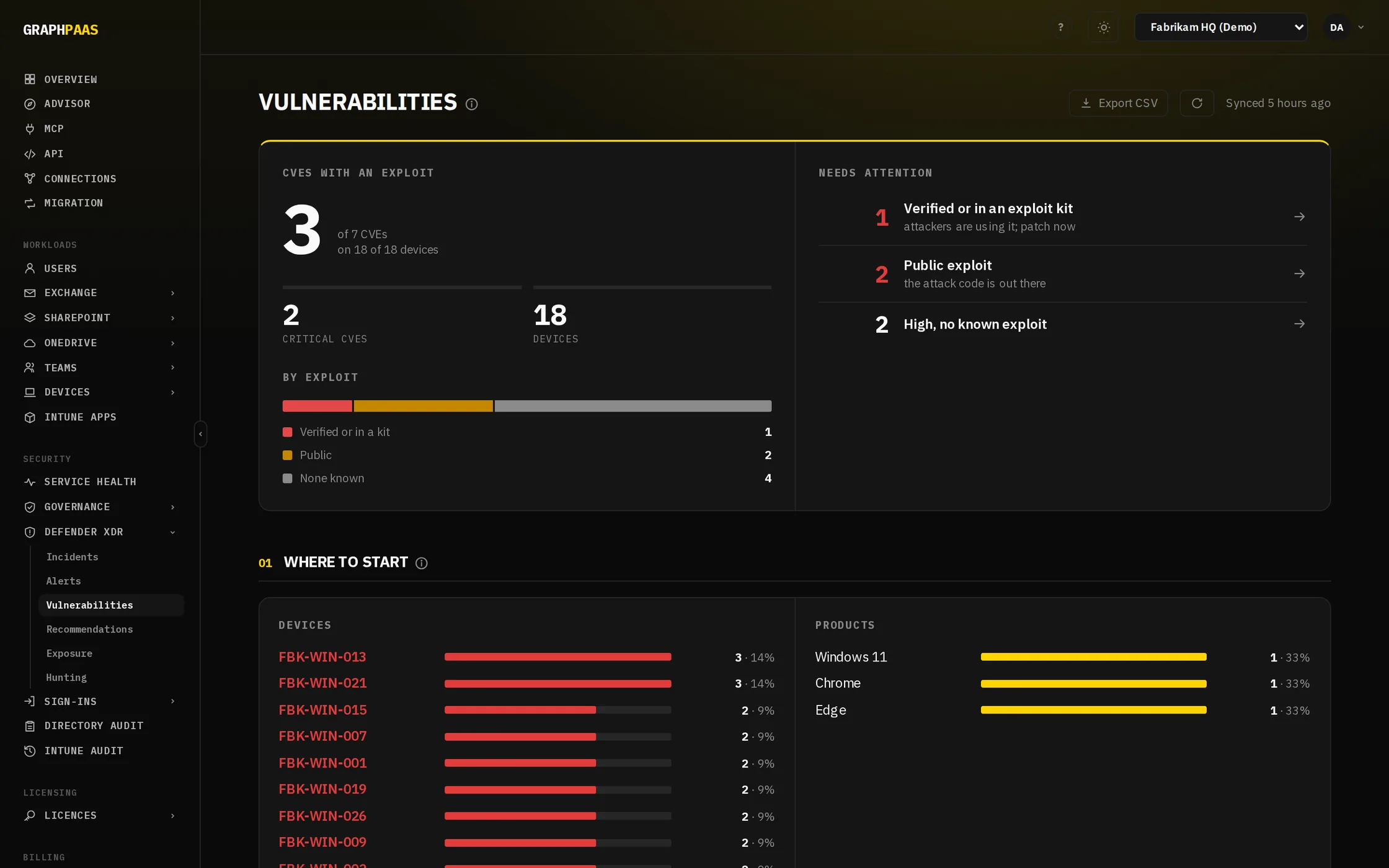
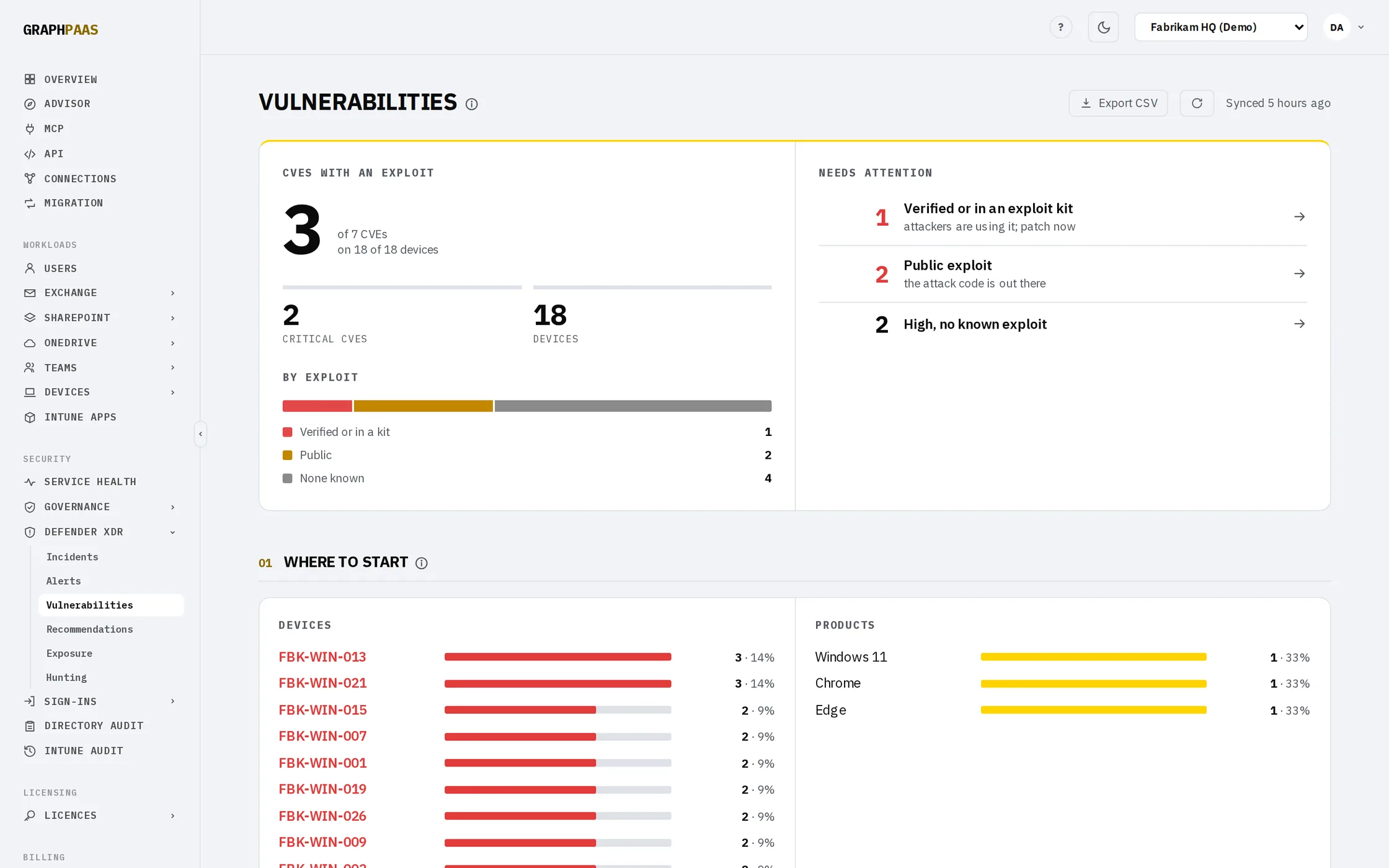
Alerts, incidents, vulnerabilities and Secure Score from Microsoft Defender, per tenant.
Multi-tenant by design. Each tenant's data is isolated end to end — and refreshed for you on a schedule.
How it works
Live in three steps
Connect
Grant read-only admin consent once per Microsoft tenant. No agents, no installs.
We audit
The first sync finds the wasted licences and the security gaps. Every tenant refreshes on its own after that.
You fix
A remediation script for the licences, a ranked list for the gaps, a monthly report for the client.
Read-only Graph scopes, EU-only storage, isolated per tenant. The stack, the sync pipeline and the security posture — written out in full.
How it's builtIt pays for itself
Idle seats are money you already spent
Seats for people who left in January, accounts that never signed in, E3 where email-only would do. Microsoft bills them every month and nobody gets an alert. Put your own numbers on the bill, then let the free audit count the real ones, down to the person.
That's the Business plan 6× over.
Count yours: start free auditYour guess at Microsoft list prices, annual commitment. The audit counts the real ones.
Pricing
Simple, per-month plans
7 days on one tenant, everything unlocked
- ✓1 Microsoft tenant, read-only
- ✓Licences you pay for and nobody uses
- ✓Remediation script for your admin
- ✓Advisor, connections graph and every dashboard
- ✓No credit card
For the IT team of one company
- ✓1 Microsoft tenant
- ✓Licence waste + remediation script
- ✓Advisor: what to fix, worst first
- ✓Connections graph
- ✓Microsoft 365, Intune and Azure dashboards
- ✓Ask Claude about your tenant (MCP)
- ✓Up to 3 seats · 30-day history
- ✓Monthly report as an add-on
For MSPs with up to 10 client tenants
- ✓Up to 10 client tenants
- ✓Everything in Business
- ✓Monthly health report per client
- ✓Defender alerts, incidents and vulnerabilities
- ✓Up to 10 seats · 90-day history
For MSPs with up to 25 client tenants
- ✓Up to 25 client tenants
- ✓Everything in MSP 10
- ✓API access
- ✓Up to 25 seats · 90-day history
For MSPs with up to 50 client tenants
- ✓Up to 50 client tenants
- ✓Everything in MSP 25
- ✓Unlimited seats · 90-day history
For licence resellers and large MSPs
- ✓50+ tenants, sized to you
- ✓Everything in MSP 50
- ✓Licence advisor with your own price catalogue
- ✓1-year history
- ✓Dedicated support
FAQ
Questions, answered
What is GraphPaaS?+
GraphPaaS is an X-ray for your Microsoft estate — a multi-tenant dashboard for Microsoft 365 and Azure metrics, built for MSPs and IT admins. Connect a Microsoft tenant once via admin consent — no agents or installs — and get automatically-synced reports on security posture, vulnerabilities, licences, Exchange, SharePoint, OneDrive, Teams, governance, devices, apps, audit and cloud spend.
Is my data kept in the EU?+
Yes. Data is processed and stored in the EU, and never leaves it.
Is it GDPR compliant?+
We act as a data processor under a DPA. Retention is configurable and data can be erased on request.
How isolated is each tenant?+
Every tenant's data is stored and served separately — one client never sees another.
What if I have different tenants, domains or users?+
Sign-in routes on your Microsoft tenant ID — not your email domain — so each account lands in the right organization automatically. Separate companies stay fully isolated; multiple domains in one tenant share one org; MSPs hold many client tenants under a single login. Read how sign-in routing works
What happens if a tenant stops syncing?+
You are told, rather than left with stale numbers. The dashboard shows a banner on any tenant whose data has stopped refreshing, and we email the organization's admins — the day after Microsoft consent is withdrawn, or after three days of any other failure. Data already collected is never lost; the dashboard keeps serving the last good snapshot and says that is what it is doing. How the sync pipeline works
Can GraphPaaS change anything in my tenant?+
No. It asks Microsoft for read permissions only. Taking licences back is a PowerShell script your own admin reviews and runs, and it does a dry run unless told otherwise.
Do I need a credit card to start?+
No. The free licence audit runs for 7 days on one tenant with everything unlocked. Pick a plan only if it found something worth keeping.